What Internet Speed Do You Need for IPTV in 2026?
What Internet Speed Do You Need for IPTV in 2026?
Internet speed is one of the first things to check when setting up IPTV.
A fast connection can help provide smooth playback, but download speed alone does not determine whether IPTV will stream properly. When using premium services like 4K IPTV USA, having a robust network is critical.
Your experience can also depend on stream quality, bitrate, network congestion, Wi-Fi signal strength, latency, packet loss, the number of connected devices, and the performance of your streaming device.
So, how much internet speed do you actually need for IPTV in 2026?
The answer depends mainly on the video quality you want to watch and how many devices are using your connection at the same time.
In this guide, we explain practical speed ranges for SD, HD, Full HD, and 4K IPTV, how multiple devices affect bandwidth, and what to check if IPTV keeps buffering.
What Internet Speed Means for IPTV
Internet speed is usually measured in Mbps, or megabits per second.
When you use 4K IPTV streaming, your device continuously downloads video data from the internet.
Higher-quality video generally requires more data.
For example, an Ultra HD IPTV stream normally requires more bandwidth than an HD stream.
However, the exact requirement can vary significantly because different streams can use different bitrates and compression technologies.
This means there is no single internet speed that guarantees perfect IPTV playback in every situation.
Your connection should have enough available bandwidth to handle the stream comfortably rather than operating at its maximum capacity.
Recommended Internet Speeds for IPTV in 2026
As a practical starting point, the following ranges can help:
.jfif)
| IPTV Quality | Suggested Available Speed |
|---|---|
| SD | 3–5 Mbps |
| HD | 5–10 Mbps |
| Full HD | 10–15 Mbps |
| 4K | 25–50+ Mbps |
These are practical guidelines rather than strict requirements.
The actual bitrate of the stream, codec, network conditions, and other devices using your connection can change the amount of bandwidth required.
For a better experience, having some extra bandwidth available is preferable to running your connection at its limit.
SD IPTV
Standard-definition streams generally require relatively little bandwidth.
A connection of around 3–5 Mbps of available bandwidth can be enough for many SD streams.
However, this does not mean a 5 Mbps internet package will always provide a smooth experience.
If other devices are using the connection, the bandwidth available to your IPTV stream can be much lower.
HD IPTV
HD streaming generally requires more bandwidth than SD.
Around 5–10 Mbps of available bandwidth can be a reasonable starting point for many HD streams.
If the stream has a higher bitrate or your network is busy, additional bandwidth may be useful.
Full HD IPTV
Full HD streams can require approximately 10–15 Mbps or more depending on the stream.
If you regularly watch Full HD content while other devices are connected, having additional bandwidth available can reduce the chance of network congestion affecting playback.
4K IPTV
4K streaming quality requires considerably more data than lower-resolution video.
A practical starting point is around 25–50 Mbps or more of available bandwidth. If you are comparing IPTV subscription USA options, verifying your network can handle these speeds will ensure a seamless experience.
However, some high-bitrate 4K streams can require significantly more resources.
For households with several active devices, a faster internet plan can provide additional headroom.
How Many Devices Can Use IPTV at the Same Time?
.jfif)
The number of devices using your network can have a major impact on IPTV performance.
Imagine a home with:
- One TV streaming 4K IPTV
- Another TV streaming HD video
- A computer downloading files
- A smartphone using cloud services
- A game console downloading an update
Even if your internet package appears fast, the IPTV device may not have enough bandwidth available at that moment.
The important number is not simply your advertised maximum speed.
It is how much bandwidth remains available while the network is being used.
Example
A 100 Mbps connection may be more than enough for one IPTV stream.
But if multiple devices are simultaneously consuming bandwidth, the available capacity can decrease.
For this reason, households with several active devices should consider having more bandwidth than the minimum required for a single stream.
Is 100 Mbps Enough for IPTV?
For many households, 100 Mbps can be sufficient for IPTV, including HD and Full HD streaming and potentially 4K depending on the stream and other network usage.
However, the answer depends on how the connection is being used.
If one device is watching IPTV while other devices are mostly idle, 100 Mbps can provide substantial bandwidth headroom.
If several devices are simultaneously streaming, gaming, downloading, or uploading large files, the available bandwidth can be much lower.
Is 50 Mbps Enough for IPTV?
A 50 Mbps connection can be suitable for many IPTV setups.
It can provide enough available bandwidth for typical HD and Full HD streaming and may also handle many IPTV in 4K streams.
However, 4K performance depends on the stream's bitrate and the rest of your network.
If your connection is heavily used by other devices, buffering may still occur.
Is 25 Mbps Enough for IPTV?
25 Mbps can be sufficient for many HD and Full HD IPTV streams.
It may also work for some lower-bitrate 4K streams, but it provides less headroom.
If you plan to watch 4K content regularly, especially in a busy household, a faster connection can be useful.
Internet Speed vs Internet Stability
One of the most important points to understand is that speed and stability are not the same thing.
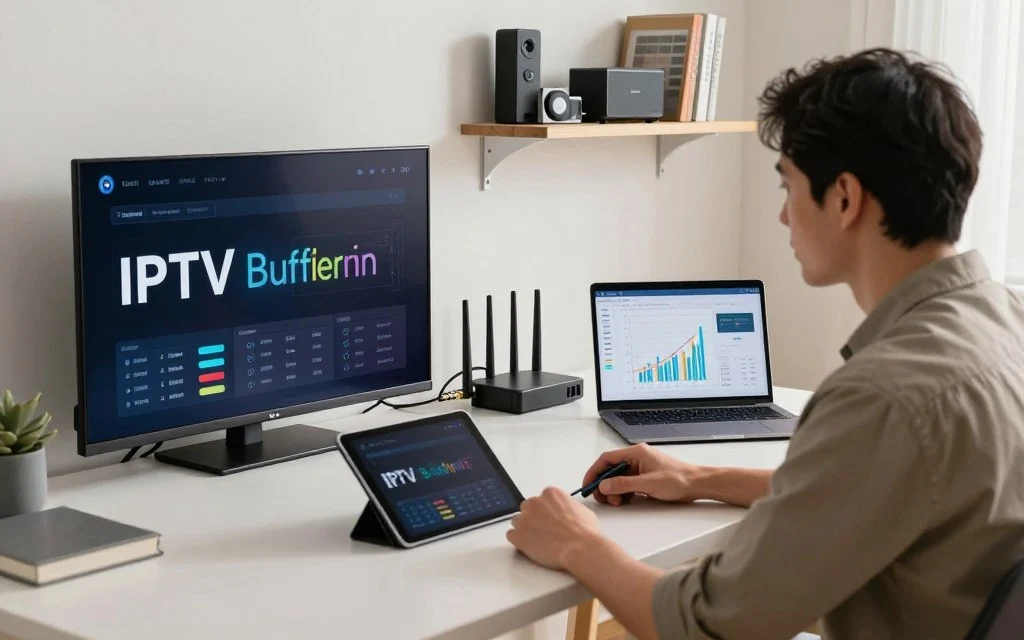
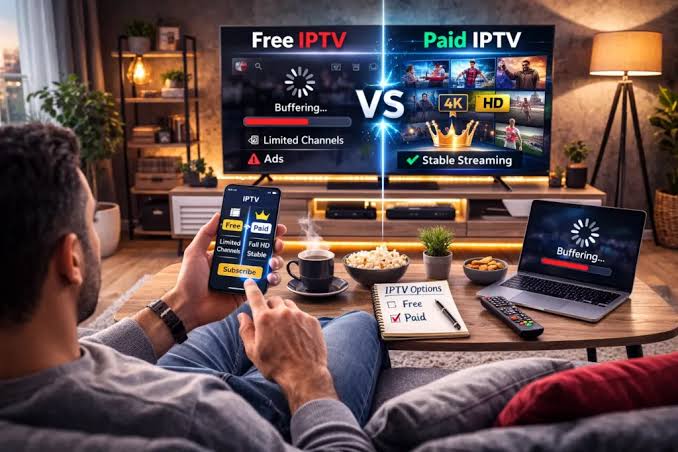
You can have a fast internet connection and still experience IPTV buffering.
Possible causes include:
- Packet loss
- High latency
- Wi-Fi interference
- Network congestion
- Router problems
- ISP issues
- Server-side problems
For streaming, consistent data delivery is important.
A connection that briefly drops or becomes unstable can interrupt playback even if a speed test reports a high download speed.
Wi-Fi vs Ethernet for IPTV
.jfif)
Wi-Fi is convenient and can work very well for IPTV.
However, wireless connections can be affected by:
- Distance from the router
- Walls
- Interference
- Other wireless networks
- Connected devices
- Router performance
Ethernet can provide a more consistent connection because it avoids many of these wireless variables.
If you regularly stream high-bitrate 4K content and your device supports Ethernet, a wired connection can be worth considering.
When Wi-Fi Is Enough
Wi-Fi can be perfectly adequate when:
- The signal is strong
- The router is modern
- The device is relatively close to the router
- The network is not heavily congested
When Ethernet Is Better
Consider Ethernet when:
- Your IPTV device is near the router
- You experience Wi-Fi buffering
- You regularly stream high-bitrate 4K
- Several wireless devices are competing for bandwidth
How to Test Your Internet Speed
.jfif)
Before troubleshooting IPTV, test the connection used by the actual streaming device whenever possible.
Do not rely only on a speed test performed on a different computer or phone.
For a more useful test:
- Connect the device to the same network it normally uses.
- Stop large downloads and other heavy network activity.
- Run a reputable internet speed test.
- Check download speed.
- Check latency and stability if the test provides those measurements.
- Repeat the test at different times if the problem occurs only during certain hours.
If the speed changes dramatically throughout the day, network congestion may be contributing to the problem.
Why IPTV Can Buffer Even With Fast Internet
A fast connection does not guarantee that every IPTV stream will work perfectly.
Possible reasons include:
High Stream Bitrate
Some streams require significantly more bandwidth than others.
This is particularly relevant for high-quality 4K streams.
Server-Side Problems
If the streaming source is experiencing high demand or technical problems, playback can suffer even when your internet connection is working normally.
Wi-Fi Interference
A speed test performed near the router may show excellent performance, while the IPTV device in another room receives a much weaker signal.
Network Congestion
Other devices can consume available bandwidth.
Device Limitations
An older streaming device may struggle with certain high-resolution streams even when the network is fast enough. If you want to learn more about setting up your IPTV device properly, refer to our guide on Smart TV IPTV setup.
How to Reduce IPTV Buffering
If your IPTV keeps buffering, try the following:
- Restart your router.
- Restart the streaming device.
- Test your internet speed.
- Stop background downloads.
- Move closer to the router.
- Try Ethernet.
- Test another channel.
- Compare HD and 4K playback.
- Update the IPTV player.
- Test another compatible device.
These steps can help determine whether the problem comes from your network, device, player, or the stream itself. For a detailed breakdown of buffering fixes, read our guide on how to resolve 4K IPTV buffering.
Does More Internet Speed Always Mean Better IPTV?
Not necessarily.
Increasing your internet package will not automatically solve every IPTV problem.
For example, if the real issue is:
- Poor Wi-Fi coverage
- Packet loss
- An overloaded router
- Device limitations
- A problematic stream
- Server-side issues
Then upgrading from 100 Mbps to 500 Mbps may not solve the problem.
Before upgrading, identify the actual bottleneck or review your IPTV pricing to ensure you are getting the best value.
What Internet Speed Is Best for a Family Using IPTV?
For a household with multiple users, consider the total network activity rather than IPTV alone.
A family may simultaneously use:
- IPTV
- Netflix or other streaming platforms
- Online gaming
- Video calls
- Social media
- Cloud backups
- Large downloads
In this situation, having additional bandwidth can provide more headroom.
A faster plan can be useful, but network quality and router performance remain important.
IPTV Internet Speed Troubleshooting Table
| Situation | Possible Issue | What to Check |
|---|---|---|
| SD works but HD buffers | Limited bandwidth | Available download speed |
| HD works but 4K buffers | Higher bitrate | Bandwidth and device |
| IPTV buffers only on Wi-Fi | Wireless issue | Signal and interference |
| IPTV works on phone but not TV | Device/network difference | TV connection |
| Buffering happens at night | Congestion | Test at different times |
| All channels buffer | Network or service issue | Internet and service |
| One channel buffers | Stream-specific problem | Test other channels |
| Fast speed but buffering | Stability issue | Latency, packet loss, Wi-Fi |
| Multiple devices cause buffering | Bandwidth competition | Background usage |
| Ethernet fixes buffering | Wi-Fi problem | Improve wireless connection |
Frequently Asked Questions
What is the minimum internet speed for IPTV?
There is no universal minimum because requirements depend on stream quality and bitrate. Around 3–5 Mbps may be enough for many SD streams, while HD, Full HD, and 4K IPTV service generally require more.
Is 10 Mbps enough for IPTV?
10 Mbps can be sufficient for many HD streams and some Full HD streams, but available bandwidth and stream bitrate matter.
Is 25 Mbps enough for 4K IPTV?
It may be enough for some lower-bitrate 4K streams, but 4K requirements vary. A faster connection provides more headroom, especially when multiple devices are active.
Is 50 Mbps enough for IPTV?
50 Mbps can be suitable for many IPTV setups, including HD and Full HD, and may handle many 4K streams depending on bitrate and network usage.
Is 100 Mbps enough for IPTV?
For many households, 100 Mbps provides substantial bandwidth for IPTV. Actual performance still depends on network usage, stability, device capabilities, and stream bitrate. This speed is usually ideal for premium IPTV packages.
Does IPTV use a lot of internet data?
Yes. IPTV continuously transfers video data while you watch. Higher-quality streams generally consume more data than lower-quality streams.
Is Ethernet better than Wi-Fi for IPTV?
Ethernet can provide a more consistent connection, particularly for high-bitrate streaming. However, a strong and stable Wi-Fi connection can also work well.
Why does IPTV buffer even though my speed test is fast?
Speed tests measure performance at a particular moment. Buffering can still result from Wi-Fi interference, packet loss, congestion, device limitations, or problems with the streaming source.
Does 4K IPTV require faster internet?
Generally, yes. 4K streams typically require more bandwidth than HD or Full HD because they contain substantially more video data.
Can a VPN affect IPTV speed?
A VPN can change routing and may affect latency or available throughput. If you are troubleshooting IPTV, compare performance with and without the VPN where permitted and appropriate.
Conclusion
The internet speed you need for IPTV in 2026 depends mainly on the video quality you want to watch, the bitrate of the stream, and how many other devices are using your connection.
As a practical starting point, many SD streams can work with around 3–5 Mbps, HD with around 5–10 Mbps, Full HD with around 10–15 Mbps, and 4K USA IPTV with around 25–50 Mbps or more.
These figures are guidelines rather than guarantees.
A stable connection is just as important as raw download speed. Wi-Fi quality, network congestion, latency, packet loss, device performance, and the streaming source can all affect playback.
If IPTV keeps buffering, do not immediately assume that you need a faster internet package. Test the actual streaming device, check your network, try Ethernet, reduce background usage, and compare different channels and video qualities.
Once you identify the bottleneck, you can make a more informed decision about whether you need to change your network, device, IPTV player, or explore new IPTV plans.